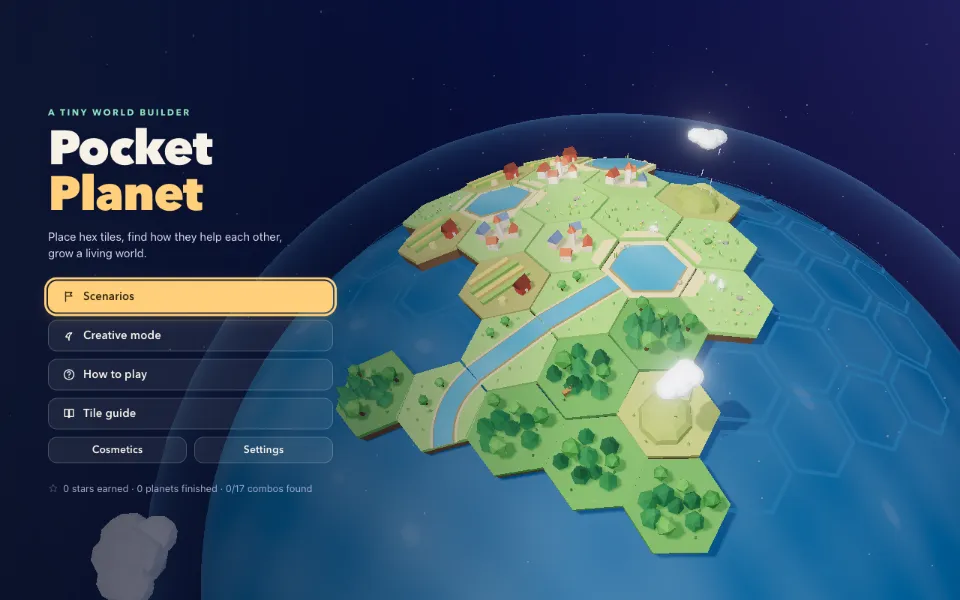
 Played ✓
EXP-03of 10Builder
Pocket Planet
Place hex tiles on a tiny ocean planet and watch rivers, forests and villages feed each other.
One brief went to frontier models. Here's what each of them built. Pick a version and play.
Played ✓
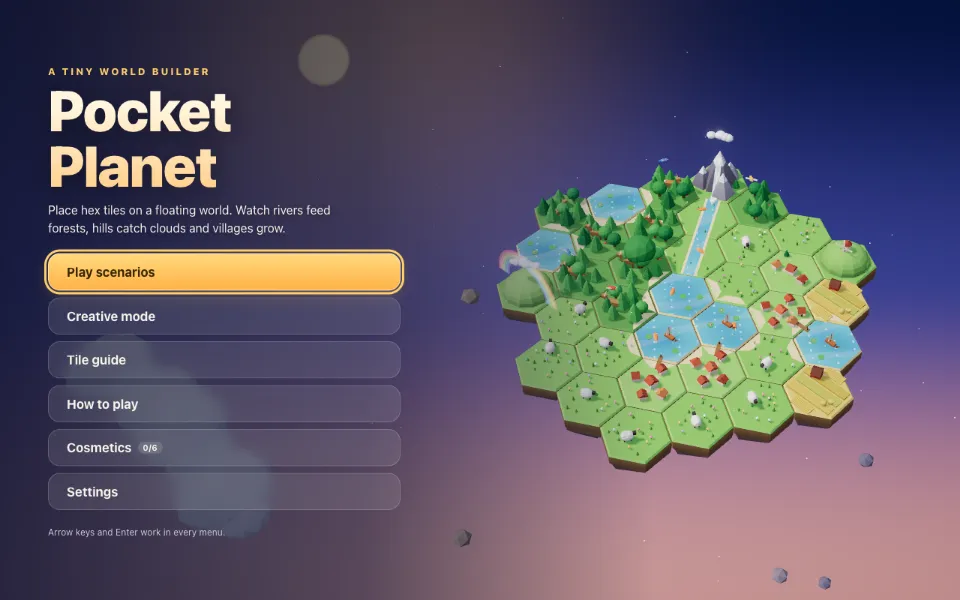 Played ✓
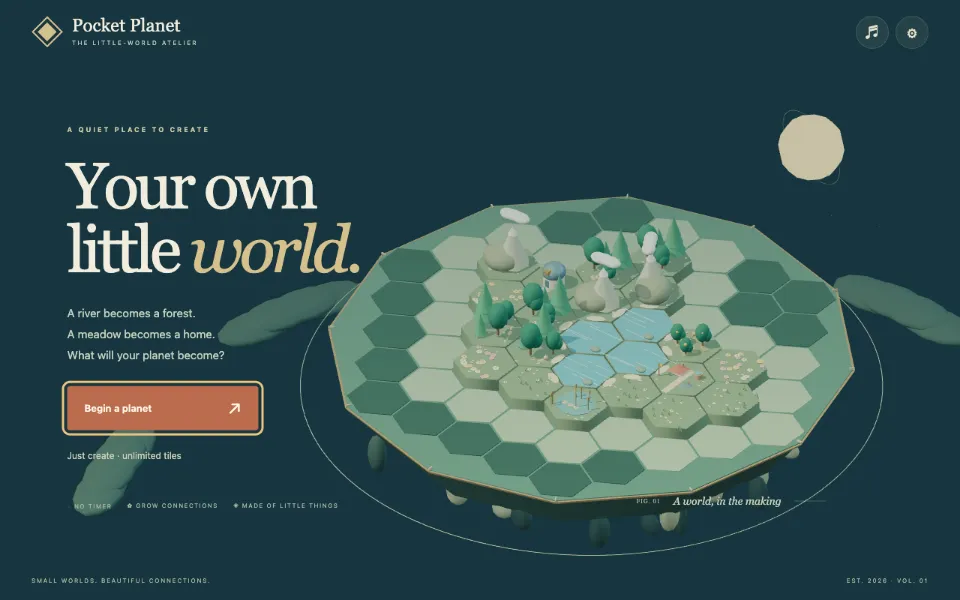 Played ✓
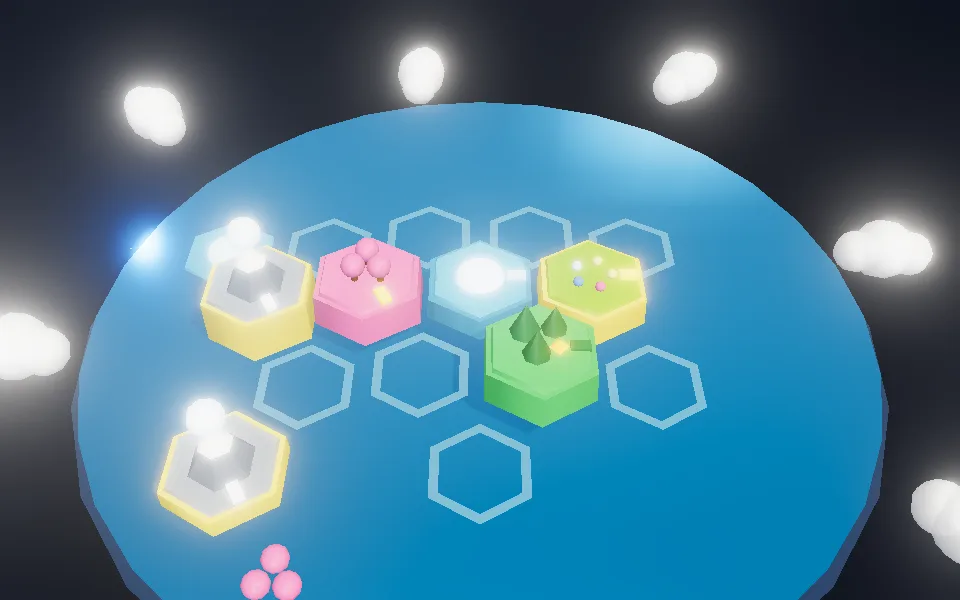 Played ✓
Gemini 3.8 Flash
High effort · coming soon
BuildingYour verdict
Which one did you like best?
Play at least two versions, then come back and vote. They open in a new tab.
The brief
Every model got exactly this.
478 words, copied straight from the prompt file. No follow-up hints, no model-specific tweaks.
- Stack
- Three.js, TypeScript, Vite
- Assets
- None. All generated in code
- Controls
- Mouse, keyboard, touch
You are a senior browser-game engineer and 3D simulation designer. Inspect the repository and implement Pocket Planet as a complete playable game using Three.js directly for the interactive world. Preserve existing project conventions; if starting fresh, use Vite and TypeScript. Do not deliver only a static diorama.
Game
Create a cozy, replayable miniature-world builder. The player places hexagonal terrain tiles on a small floating planet and discovers interactions between rivers, forests, hills, villages, animals, and weather. A session should take about 5–10 minutes, with an optional open-ended creative mode.
Use a 3D isometric camera that can rotate in 60-degree increments and zoom within sensible limits. The player draws a few tiles from a small hand and places them on valid hex cells by click or drag. Include undo, rotate-tile, and clear visual preview before placement. The planet should visibly grow and change as tile groups connect. Each tile must affect neighboring tiles through a small, understandable set of rules: water feeds forests, forests attract wildlife, connected meadows support villages, hills collect clouds, and coastlines create beaches.
Goals and replayability
Provide a compact scenario mode with a starting seed, a target such as reaching a population or biodiversity score, and a limited tile supply. Score the planet using legible categories such as biodiversity, harmony, population, and water balance. Show why a placement gained or lost points. Offer multiple scenario goals and seeded maps so each session encourages experimentation.
Create at least eight tile types and several discoverable combinations. Avoid opaque scoring or random instant failure. Let players inspect tile rules in a reference panel. Include small events such as migrating animals, rain, or a new visitor, but ensure events are explained and do not invalidate a careful layout. Save best scores, unlocked tile cosmetics, settings, and recent seeds locally. Creative mode should let the user build without a timer or score.
Visual direction
Make it feel like a beautiful tabletop planet: soft cloud layers, a gently rotating planet, sculpted hex terrain, tiny trees and houses, a warm sun, drifting particles, water shimmer, and a subtle starfield. Use restrained color, soft shadows, tasteful material variation, and satisfying placement animations. Use procedural geometry and textures so the game runs without missing asset files. Keep tile outlines and cell selection clear against all backgrounds.
Interface
Implement title, scenario selection, tutorial, build mode, tile hand, score breakdown, tile encyclopedia, pause, completion, and restart. Show remaining tiles, current objective, and the impact preview. Support keyboard navigation, clear contrast, reduced motion, and resize. Make undo, rotate, reset, and settings controls real. Do not let UI panels block planet interaction unexpectedly.
Technical requirements and completion
Use direct Three.js, responsive renderer sizing, instancing or reused geometry where appropriate, a stable camera, efficient update loops, and local persistence. Handle WebGL unavailable, focus loss, pause, and cleanup. Smoke-test tile placement, rotation, undo, scoring, save/load, and creative mode. Run build/checks, update README setup and controls, and report implementation status and limitations.